Blue Shark: Optimize Your Computer Desk Setup: The Ultimate Outlet Guide
2025-04-26
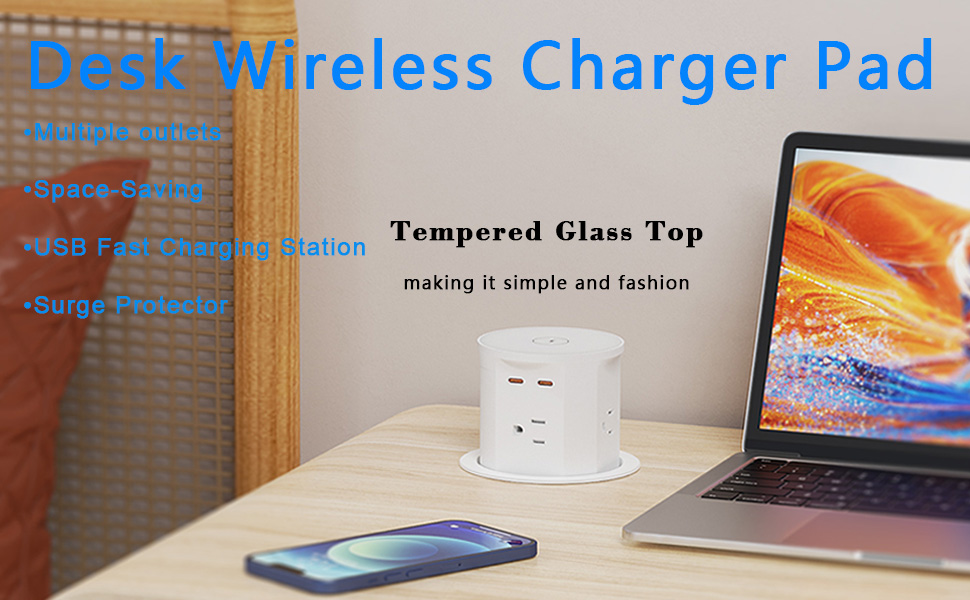
In today's digital age, our computer desks are hubs of activity, filled with a plethora of devices. So, how can we ensure a seamless power - up experience? Here are some top - notch outlet configuration tips.
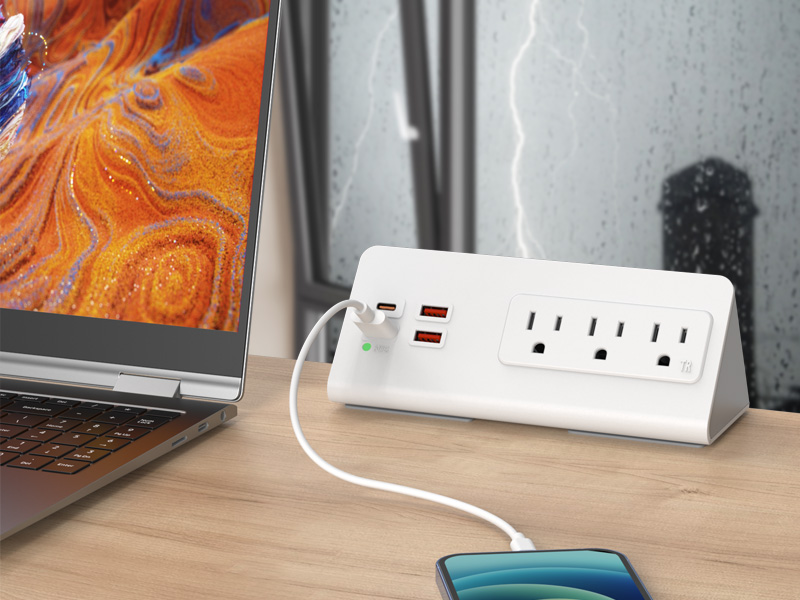
First, prioritize quantity. A good rule of thumb is to have at least 6 - 8 outlets. This should cover your computer components like the host, monitor, and speakers, along with chargers for your phone and tablet. Don't forget to account for other essentials such as a desk lamp and a printer if you use them regularly.
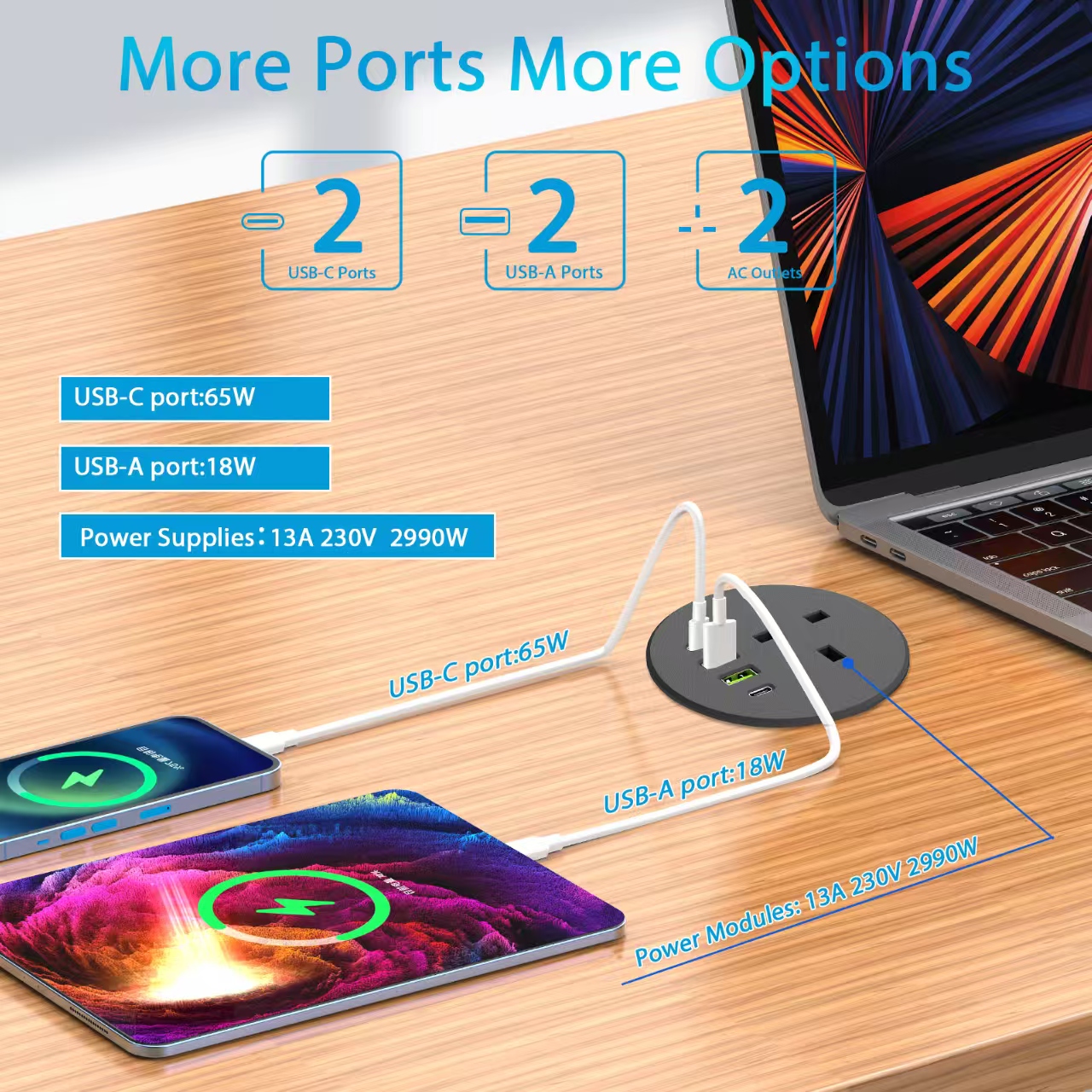
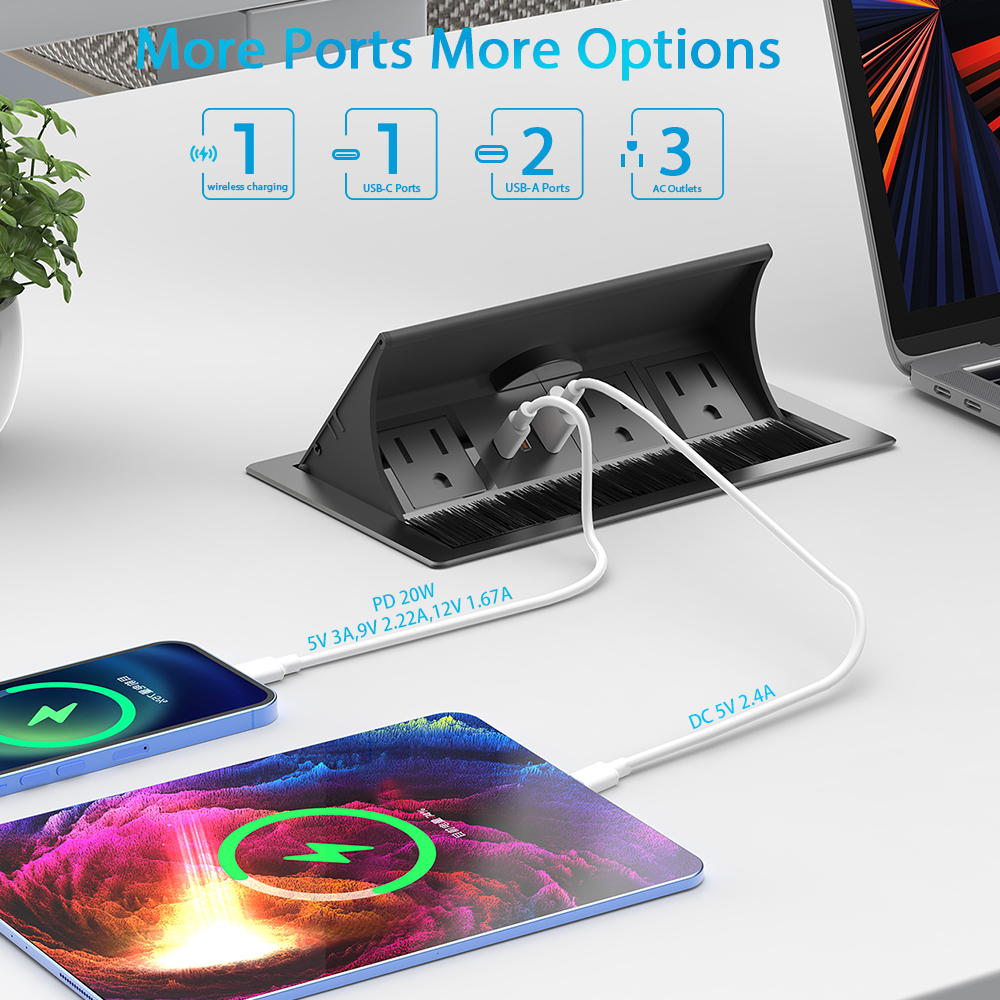
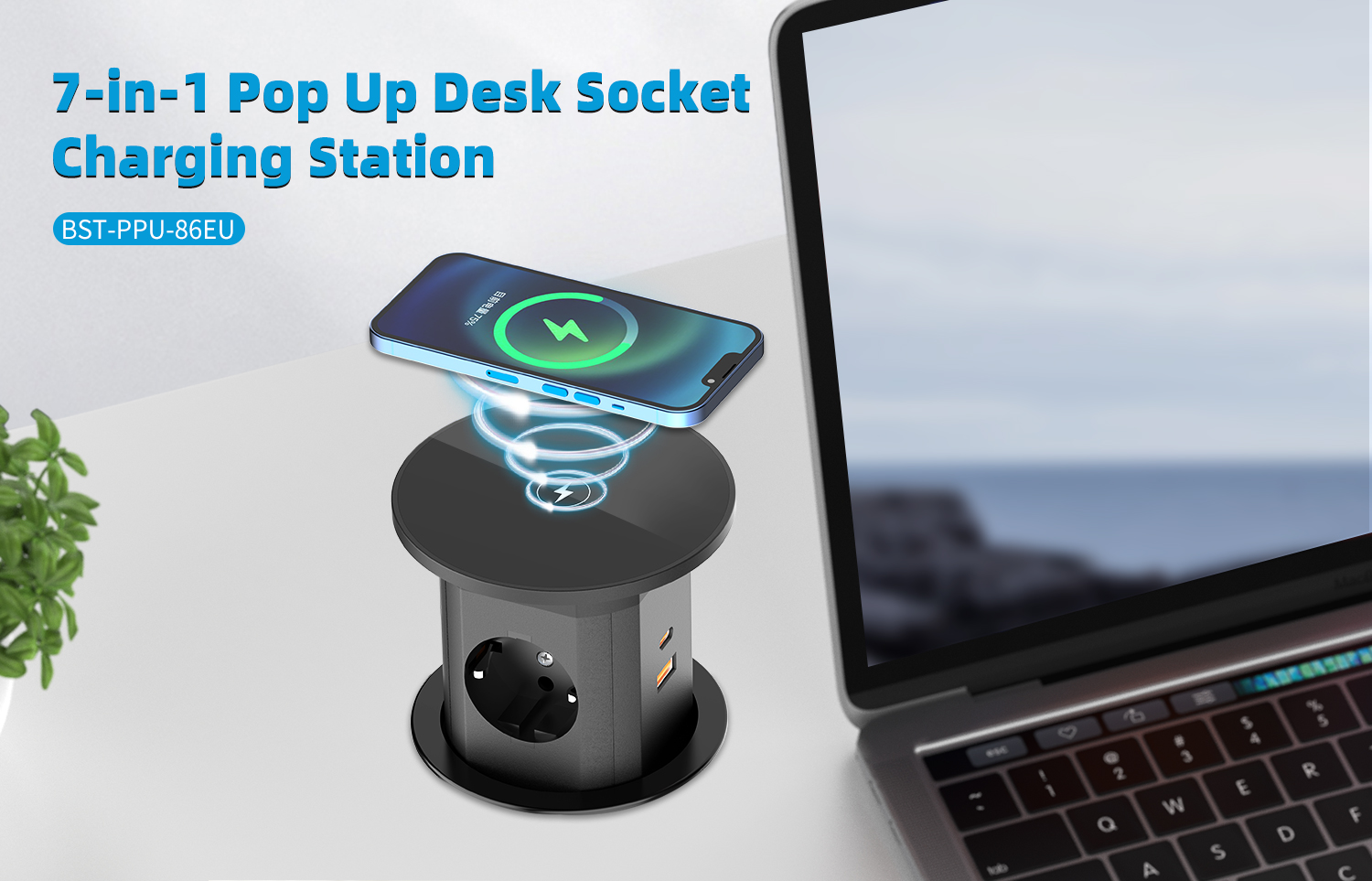
Next, think about functionality. Opt for outlets with USB ports. They're a game - changer, allowing you to charge your mobile devices without the need for extra adapters. For added convenience, consider smart outlets. You can control them remotely via an app, which is perfect for turning on your lamp or fan before you sit down.
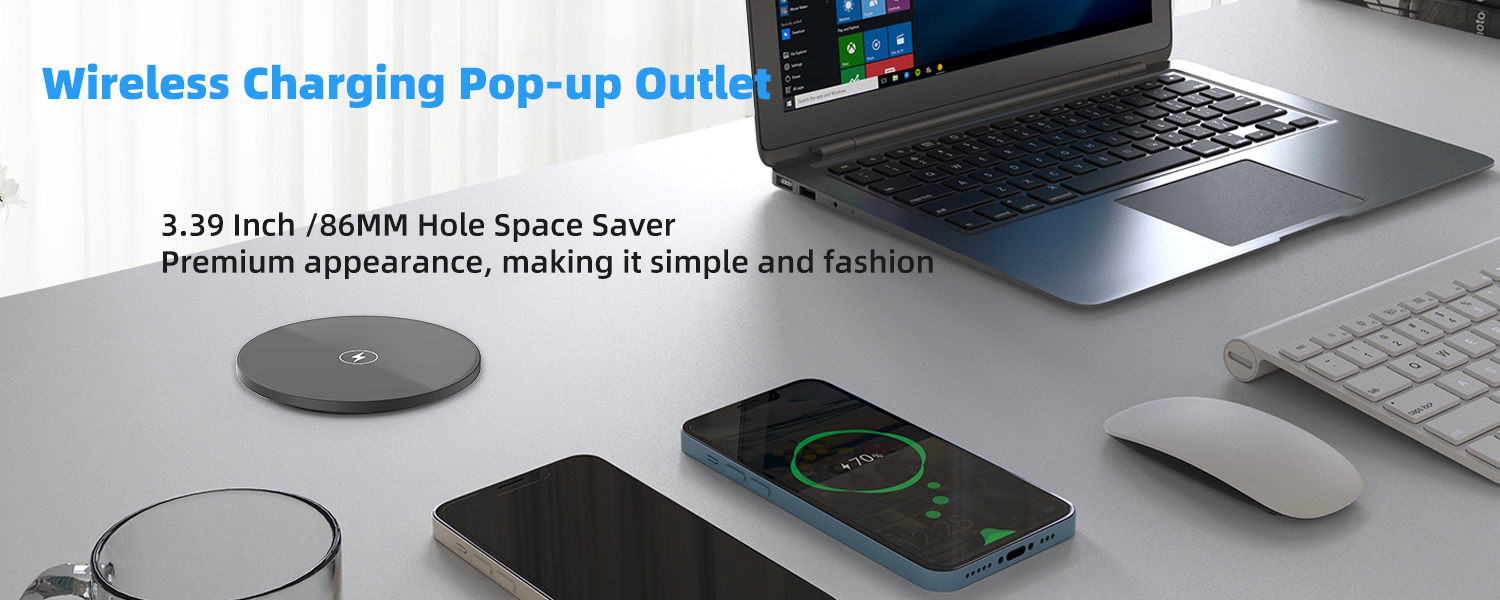
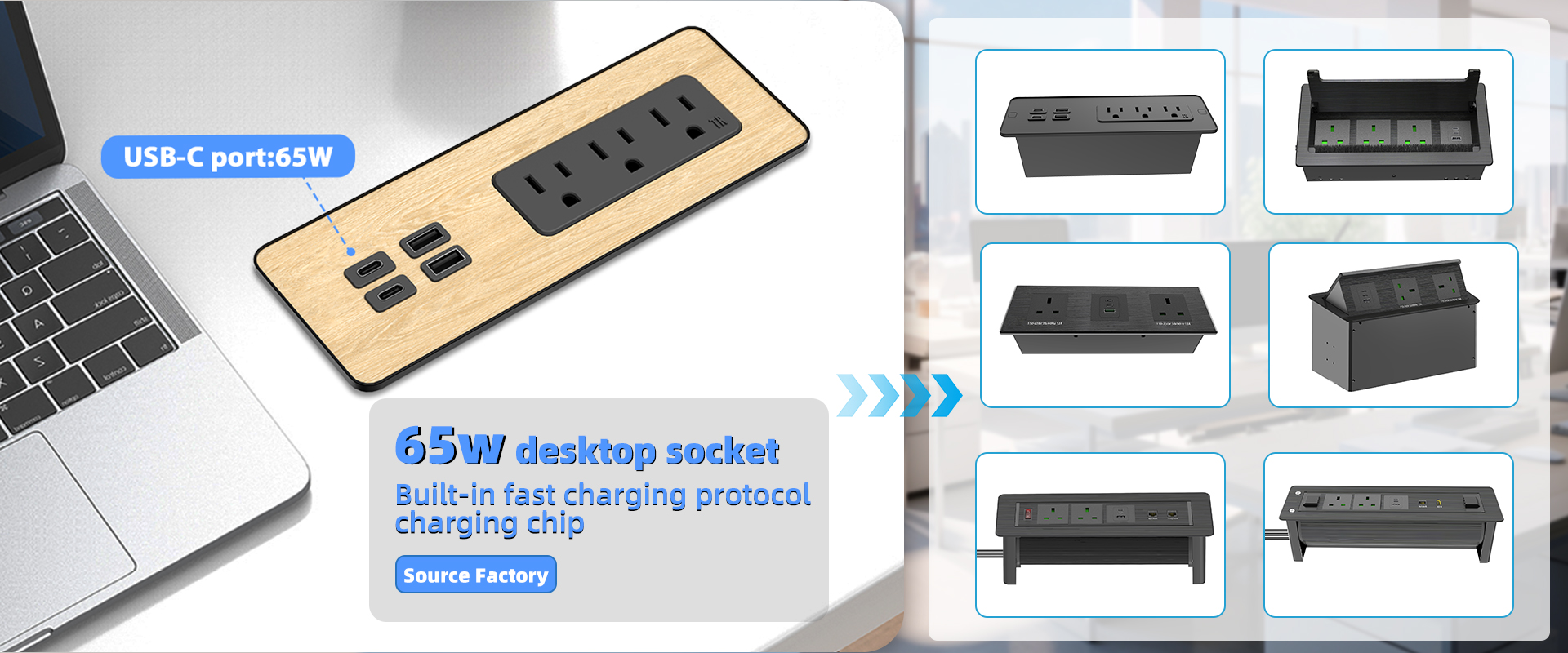
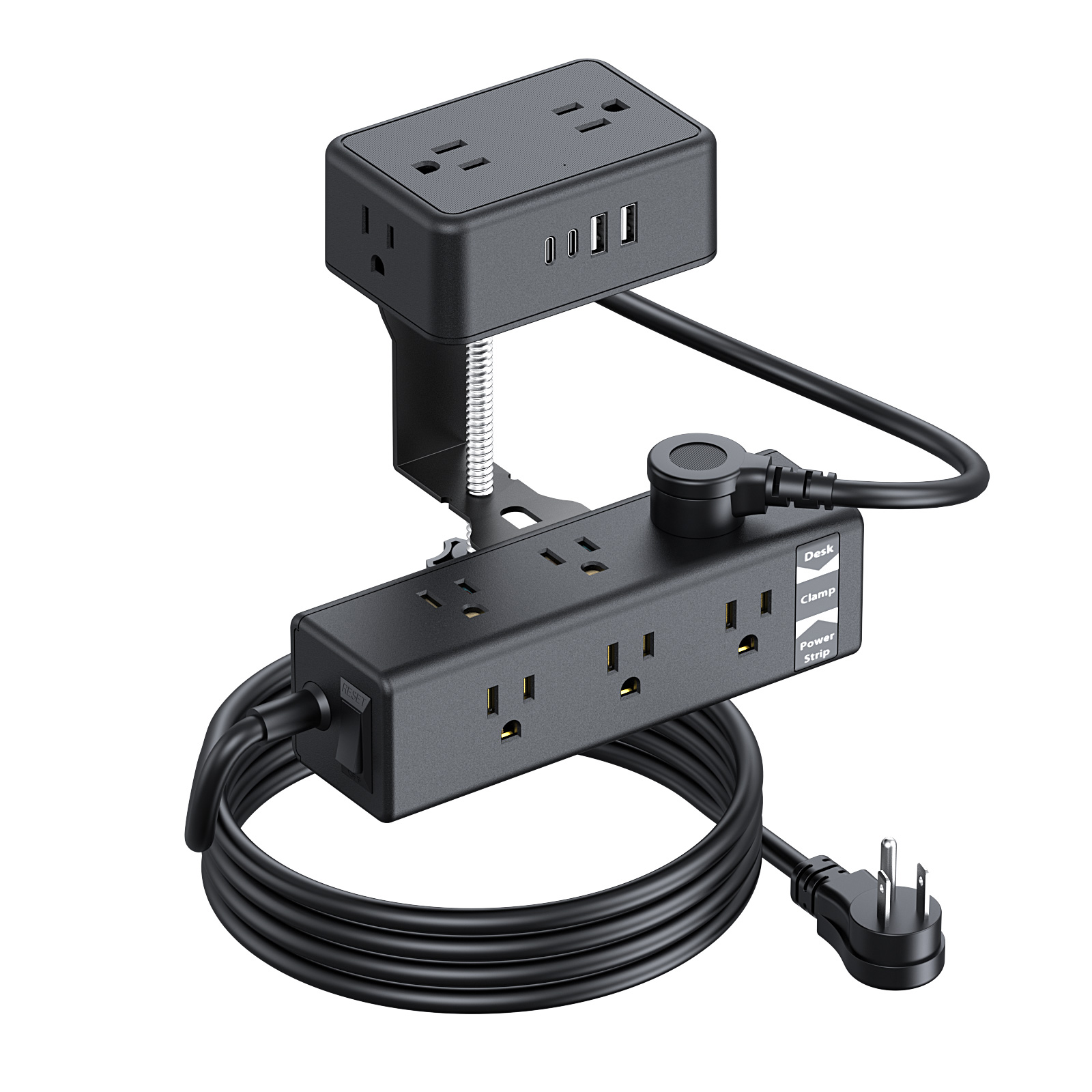
Finally, pay attention to placement. Install some outlets under the desk, close to the edge. This helps keep cords out of sight, creating a clean and organized workspace. If you need to use a power strip, choose one with multiple switches. This way, you can easily turn off individual devices without unplugging them all. With these tips, your computer desk will be a power - packed and efficient zone!
Blue Shark: Upgrade Your Desk with These Amazing Desktop Sockets!
Blue Shark: Dual-Layer Wonder: 17-in-1 Desk Clamp Power Strip for a Tidy Workspace!